Home LP Mining guide
LP Mining, step by step
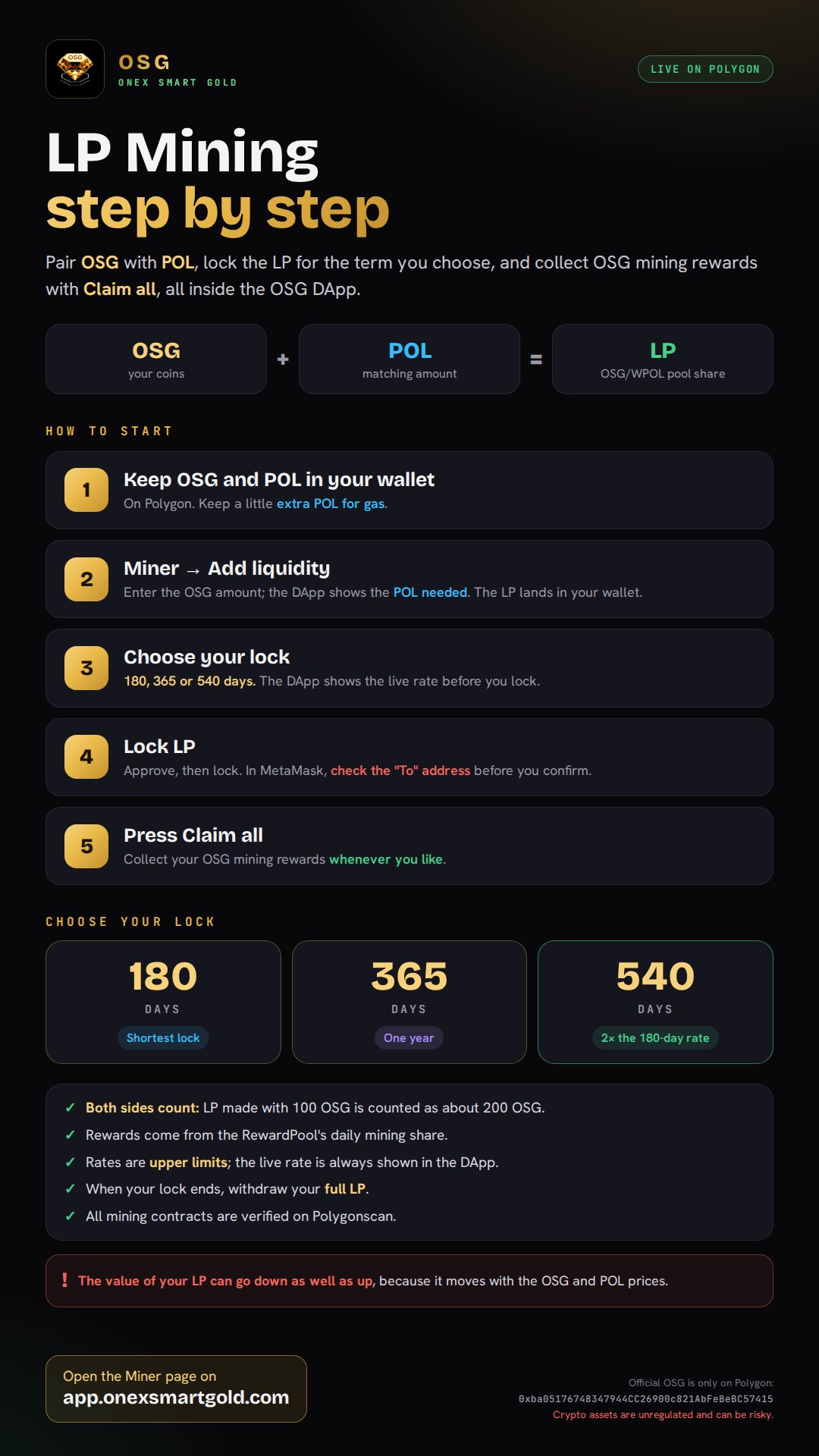
Pair OSG with POL, lock the LP for the term you choose, and collect OSG mining rewards with Claim all, all inside the OSG DApp.
- 1
Keep OSG and POL in your wallet
Use a wallet on Polygon (PoS). Keep a little extra POL for network fees. New to OSG? See How to get OSG.
- 2
Miner → Add liquidity
Open app.onexsmartgold.com, go to Miner and use Add liquidity. Enter the OSG amount; the DApp shows the POL needed. The LP for the QuickSwap OSG/WPOL pool lands in your wallet.
- 3
Choose your lock
Pick 180, 365 or 540 days. The 540-day lock has twice the rate of the 180-day lock. The DApp shows the live rate before you lock.
- 4
Lock LP
Approve, then lock. In your wallet, check the "To" address before you confirm.
- 5
Press Claim all
Collect your OSG mining rewards whenever you like.
Good to know
- Both sides count: LP made with 100 OSG is counted as about 200 OSG.
- Rewards come from the RewardPool's daily mining share, on a fixed, declining emission schedule.
- Rates are upper limits, not promises. When many people take part, every rate is reduced by the same share. The live rate is always shown in the DApp.
- When your lock ends, you can withdraw your full LP.
- All mining contracts are verified. See Contracts.
- The value of your LP can go down as well as up, because it moves with the OSG and POL prices.
Community programme
The DApp also has a community referral programme. Its rules and current settings are read from the verified contract and shown only inside the DApp, after you connect your wallet. Settings changes are announced 48 hours ahead in the official channels.
in a few taps.
Open the DApp in your wallet browser and check every number before you lock.